Small Business Corporation (SBCorp) revolutionizes MSME financing with the launch of the SBCorp Money mobile app, making business loans more accessible than ever before.
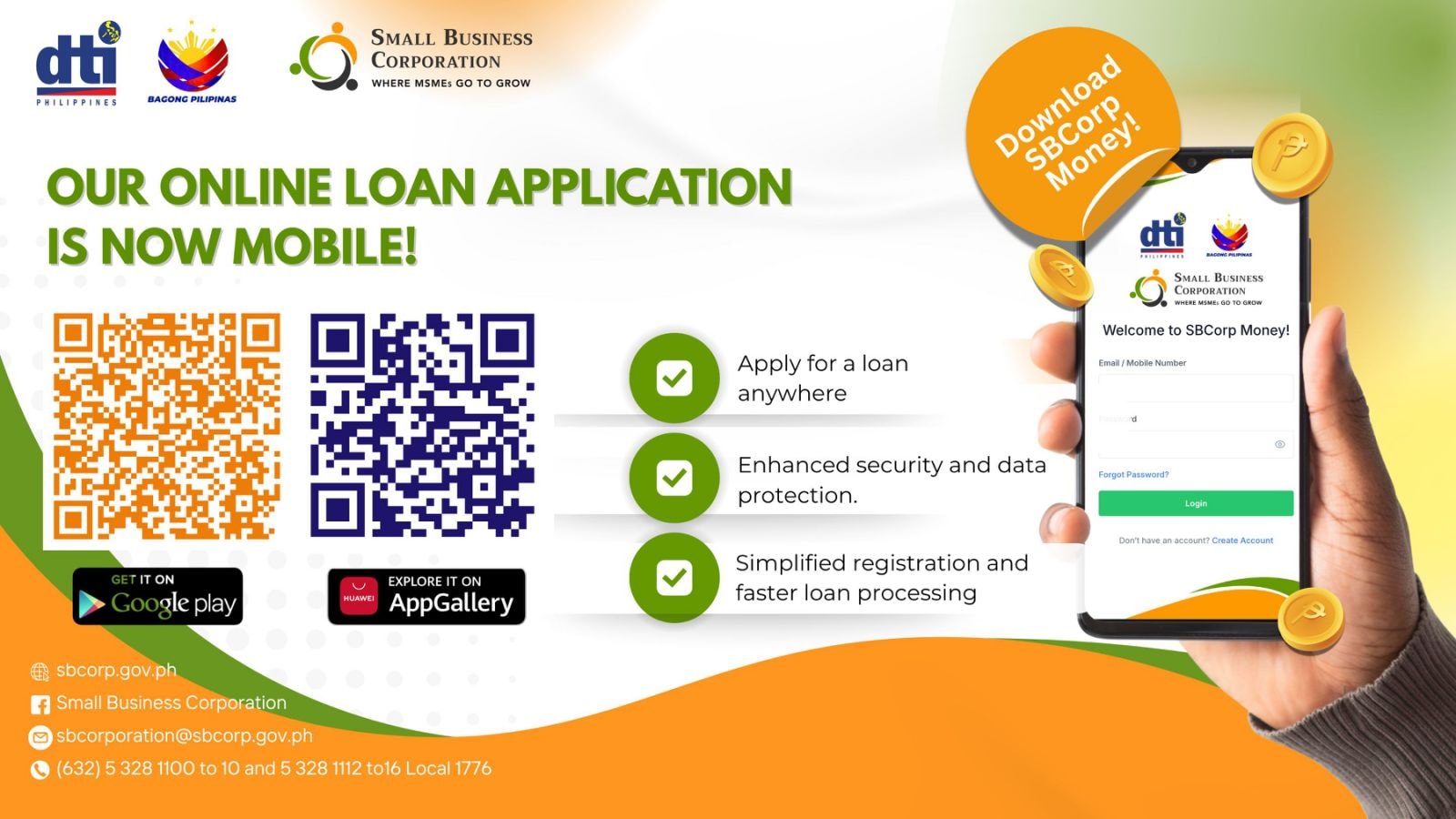
The Department of Trade and Industry’s (DTI) financing arm has officially launched its much-anticipated mobile application, marking a significant milestone in digital financial services for micro, small, and medium enterprises (MSMEs) in the Philippines. The SBCorp Money app is now available for download on Google Play Store and Huawei AppGallery.

Key Features of the SBCorp Money Mobile App
The new mobile platform brings unprecedented convenience to MSME financing with several enhanced features:
Apply for Loans Anytime, Anywhere
The mobile app eliminates geographical and time constraints, allowing entrepreneurs to submit loan applications 24/7 from any location. This flexibility is crucial for busy business owners who need financing solutions that fit their schedules.
Enhanced Security and Data Protection
The app incorporates advanced security measures to protect sensitive business and personal information. With cyber threats on the rise, SBCorp has prioritized robust data protection protocols to ensure user confidence in digital transactions.
Simplified Registration and Faster Processing
The streamlined interface reduces the complexity of loan applications, making the process more user-friendly. Faster processing times mean MSMEs can access much-needed capital more quickly to support their business operations and growth plans.
Transition from BRS Portal to Mobile App
Important Timeline for Existing Users:
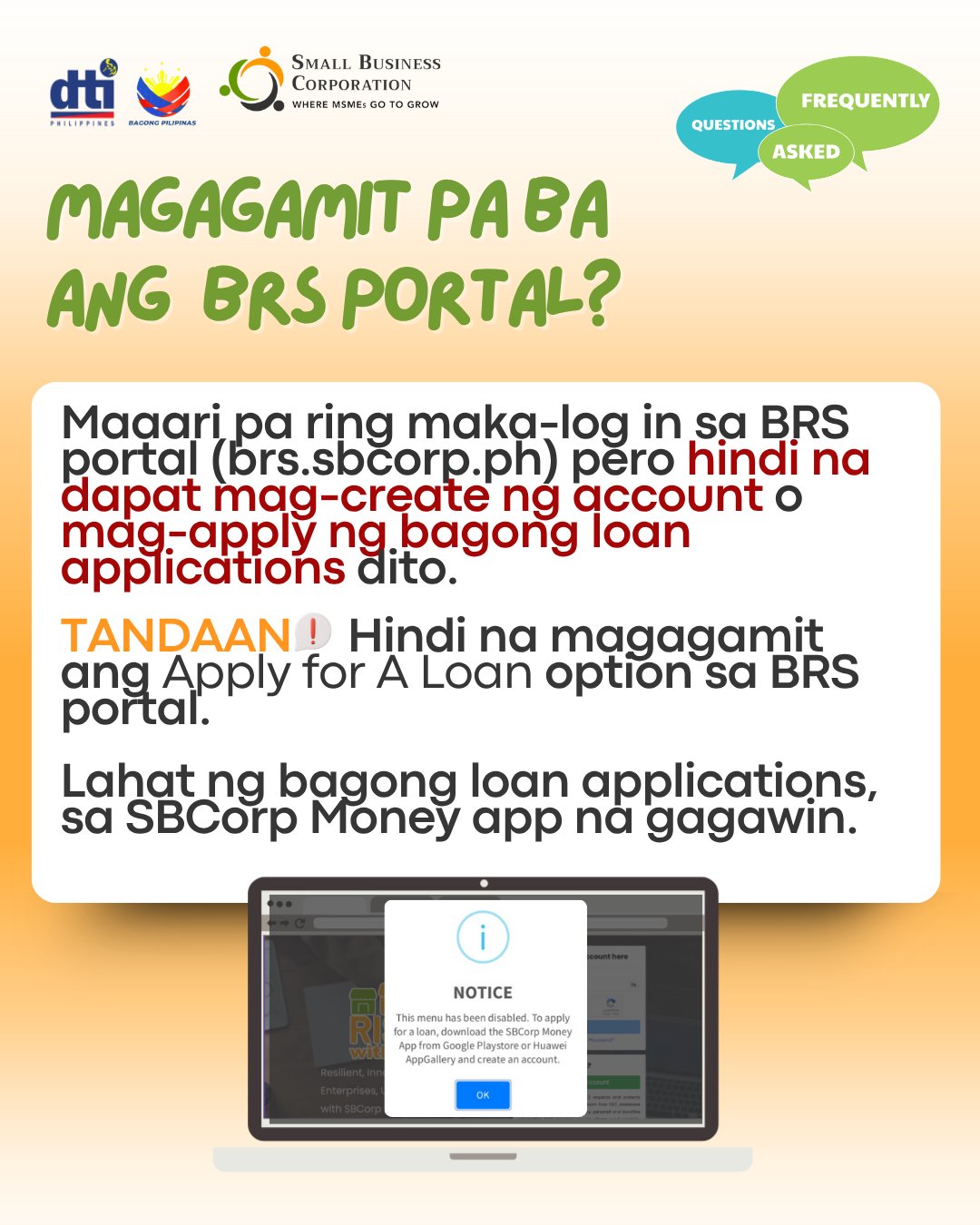
The BRS Loan Portal (brs.sbcorp.ph) will officially close on July 15, 2025. Current users have several months to transition to the new mobile platform.
For New Users:
Starting July 15, 2025, all new loan applications must be submitted through the SBCorp Money mobile app, available on Google Play and Huawei AppGallery.
For Existing BRS Portal Users:
- Continue accessing your account on brs.sbcorp.ph until July 15, 2025
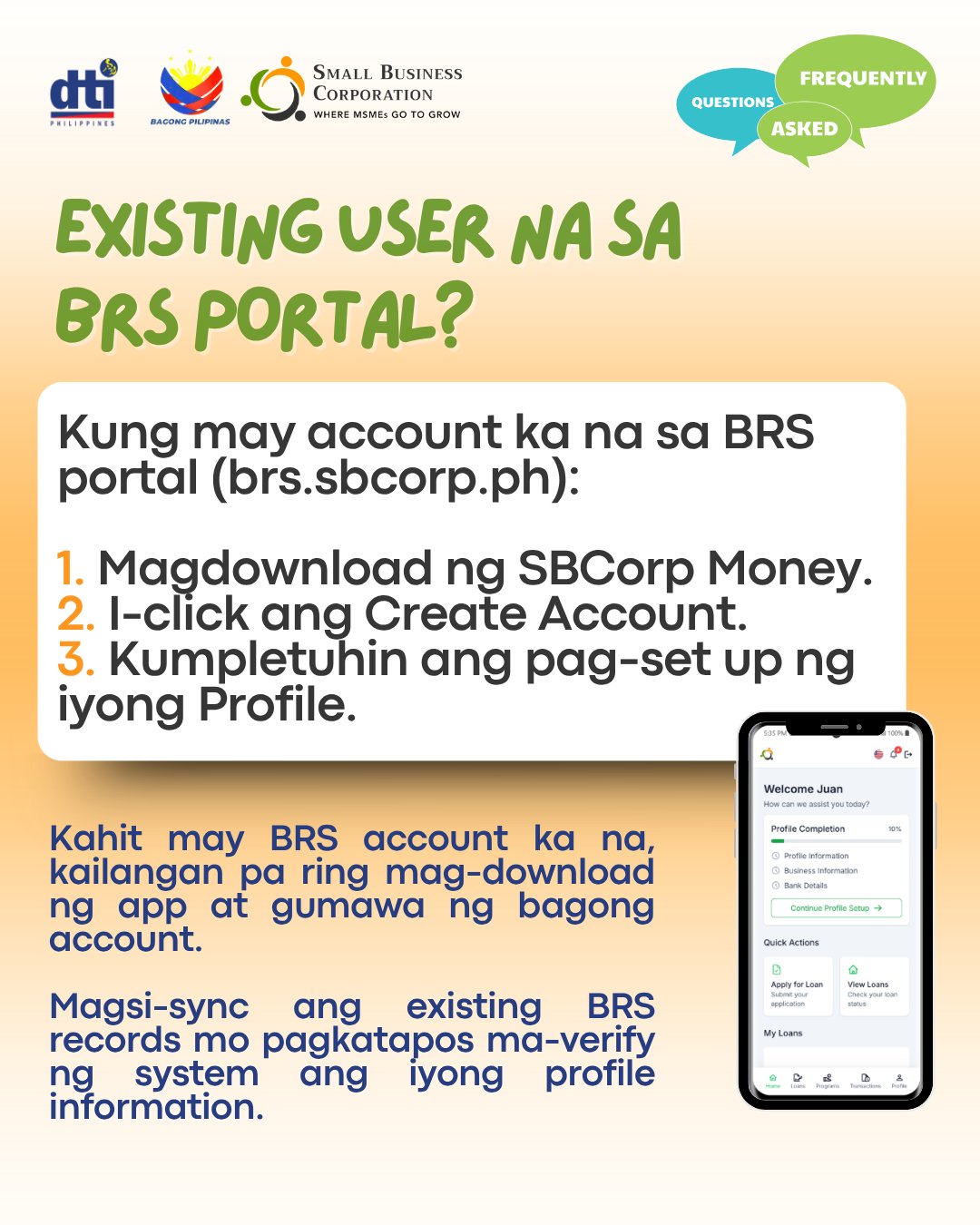
- Download the SBCorp Money app and register using your original account details
- Your existing records will automatically sync when you register in the app
- No data loss during the transition period
How to Download and Get Started
Step-by-Step Download Instructions:
- Open Google Play Store or Huawei AppGallery on your mobile device
- Search for “SBCorp Money” in the app store search bar
- Click “Install” to download the application

Alternative Download Method:
Scan the QR codes provided in SBCorp’s official materials for direct access to the app stores. For iOS users, additional instructions will be provided soon.
Why This Launch Matters for Philippine MSMEs
The launch of the SBCorp Money mobile app represents a significant step forward in financial inclusion for Philippine businesses. Key benefits include:
- Increased Accessibility: Rural and remote businesses can now access financing without traveling to physical offices
- Faster Decision Making: Streamlined processes enable quicker loan approvals
- Reduced Paperwork: Digital submissions minimize administrative burdens
- Better User Experience: Intuitive design makes financial services more approachable
SBCorp’s Commitment to MSME Development
Small Business Corporation, established in 1991 under R.A. 6977 (Magna Carta for Small Enterprises), continues to evolve its services to meet the changing needs of Filipino entrepreneurs. The mobile app launch demonstrates the institution’s commitment to leveraging technology for inclusive financial services.
Current SBCorp Programs Available Through the App:
- Business Expansion Financing
- RISE UP Multi-Purpose Loan
- Purchase Order Financing
- Enterprise Rehabilitation Financing
- Women’s Enterprise Fund
Enhanced Digital Experience
The SBCorp Money app represents more than just a mobile version of the existing portal—it’s a complete reimagining of how MSMEs interact with financial services:
- Real-time Application Tracking: Monitor your loan application status instantly
- Document Upload: Submit required paperwork directly through the app
- Push Notifications: Receive important updates about your application
- Customer Support: Access help and support features within the app
Getting Ready for the Future of MSME Financing
As the Philippine economy continues to digitize, the SBCorp Money mobile app positions MSMEs to take advantage of modern financial technologies. This launch aligns with the government’s broader digital transformation initiatives and supports the growth of the country’s entrepreneurial ecosystem.
What Business Owners Should Do Now:
- Download the app from Google Play or Huawei AppGallery
- Familiarize yourself with the new interface and features
- Prepare digital copies of required documents for faster applications
- Plan your transition if you’re currently using the BRS portal
Conclusion
The launch of the SBCorp Money mobile app marks a new era in MSME financing in the Philippines. By making loan applications more accessible, secure, and efficient, SBCorp is removing traditional barriers that have prevented many businesses from accessing much-needed capital.
With enhanced security features, simplified registration, and the convenience of mobile access, Filipino entrepreneurs now have a powerful tool to support their business growth aspirations. The transition period until July 15, 2025, provides ample time for existing users to adapt to the new platform while ensuring continuity of services.
Ready to experience accessible, affordable financing for your MSME anytime, anywhere? Download the SBCorp Money app today from Google Play or Huawei AppGallery.
Download SBCorp Money App
Available on:
- 📱 Google Play Store
- 📱 Huawei AppGallery
For more information:
- 🌐 Visit: sbcorp.gov.ph
- 📧 Email: sbcorporation@sbcorp.gov.ph
- 📞 Call: (632) 5 328 1100 to 10 and 5 328 1112 to16 Local 1776